XSplit VCam 1.1 Released – The best background removal app just got better.

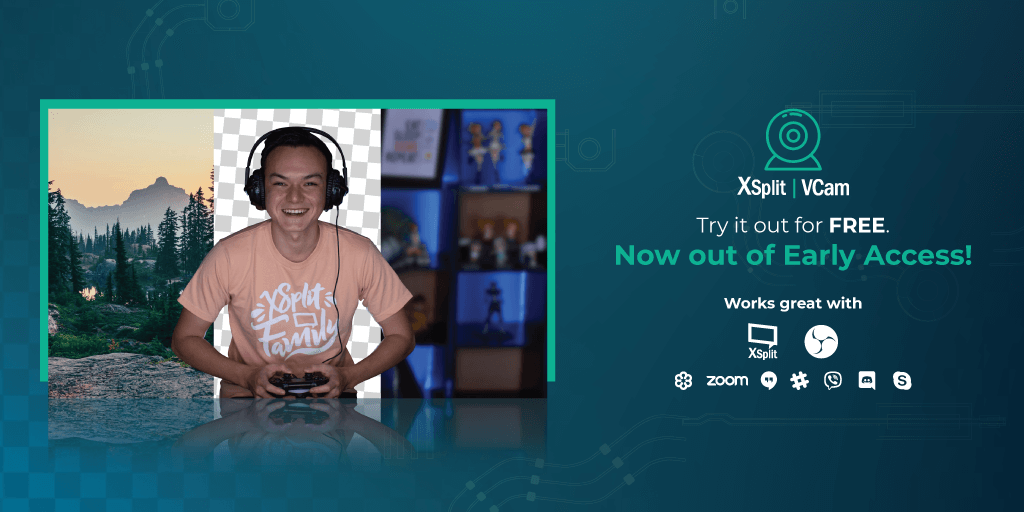
It’s been a year since we first released XSplit VCam to the world in early access so it’s fitting that we push out an XSplit VCam 1.1 update to celebrate!. While we have been incrementally providing updates to XSplit VCam to improve performance and nix out some bugs throughout the year, this 1.1 update is the biggest release so far as we’ve addressed some of the biggest things requested and also worked hard to make some quality of life improvements for better overall user experience.

A revamped user interface

We’ve been stepping up our UI/UX game for some time now as we know a good user experience equates to fewer clicks to get things done and provide an overall smoother experience. That’s what we’ve exactly done here with the new horizontal layout that makes going through various options a breeze.

Even better user onboarding

The whole idea behind XSplit VCam was to enable users in the easiest possible way to remove or replace their background without the need for a green screen. There was a lot of thought and effort put into improving the actual AI that does the processing but what we learned is if we can help our users improve their overall setup, the result is just way way better. And that’s what we did by including some handy quick tips that guide users to get better results.

Enhancements in Background Images Library

A lot of people use XSplit VCam to specifically replace their background and we know it’s an area that can make use of some tidying up. In the new VCam 1.1, we made it easier for people to select a background by showing an actual thumbnail of image backgrounds you’ve used previously as well as some of the search results. With this, everything is just in one place so you don’t need to jump around various windows to do what you need to get done.

Future Updates

With this version, the VCam team will continue to focus on making the VCam experience the best it can be. This includes improvements to the user interface but also to the underlying model and technology we use to mask you out from the background. As time goes on, we’re constantly improving our machine learning model which gives you, the user, better results.

There are tons of variables when it comes to how a user’s webcam looks. From lighting to the cat sitting on the bed behind you. This means good results and perfection takes time but it’s something we’re striving for. On top of that, we’re always trying to make sure the resources it takes for your PC to the masking is efficient as possible so you can continue to use your computer as if you weren’t even running the app.

So make sure to update to XSplit VCam 1.1 either through the app or by downloading it on the VCam page. We’d love to hear your thoughts on this one so keep us posted!

SplitmediaLabs Releases XSplit Gamecaster V4

SplitmediaLabs, pioneers of innovative software for video game recording and streaming, are excited to announce XSplit Gamecaster V4, the easiest way to capture and share PC and console gameplay, that will be available from today as a free download.

XSplit Gamecaster V4 is rebuilt from the ground up as the next-gen solution for aspiring content creators to easily record and stream professional-looking videos to share on popular platforms like Twitch, YouTube, Mixer, and Facebook at the click of a button.

Key Features

  • Simple Setup.
  • Start live streaming or recording at the click of a button. XSplit Gamecaster automatically adjusts all of the necessary encoding settings to ensure your stream is of the highest quality and performance.
  • Stay in the Game.
  • Gamecaster’s in-game HUD makes it easy to control your recording from one screen. Creators can start and stop their broadcast, toggle between scenes, interact with chat, and check out recent events and stats to help increase audience interaction.
  • Custom Themes.

Choose from more than 300 beautifully designed themes or take control and build your own theme from scratch with Gamecaster’s powerful and fully customizable editor to make your videos truly unique.

Build Your Community.

Add follower alerts, donation trackers, subscriber goals, GIFs, and more to engage your community.

Cloud Storage.

Gamecaster stores all of your custom themes in the cloud, keeping your projects safe whether you are formatting your PC or broadcasting away from home.

“XSplit Gamecaster V4 is a next-generation product like no other and represents a significant step forward for user experience and creating beautiful broadcasts in just a few simple clicks,” says Andreas Hoye, COO for SplitmediaLabs. “With XSplit Gamecaster V4 we implemented nearly a decade’s worth of experience and user feedback, to create what we believe to be the ultimate all-in-one solution for those looking for an easier way to get started”

XSplit Gamecaster V4 is available for free, or paid under a Premium License where it is packaged with XSplit Broadcaster, XSplit VCam, and the newly released XSplit Express Video Editor.

XSplit Announce Partnership with NVIDIA RTX Broadcast Engine

The NVIDIA RTX Broadcast Engine represents a huge leap forward for content creators using GeForce RTX GPUs, providing them with new avenues to enhance their productions. By utilizing the Tensor Cores on these RTX cards, AI-powered operations are able to run in real-time, streamlining the production output of creatives and enabling them to increase the quality of their content to a level that’s unheard of on consumer-grade hardware.

On our end, we are looking to augment XSplit VCam’s background removal for users with RTX GPUs. We believe that we can improve our app’s performance and efficiency, either by using NVIDIA’s RTX Greenscreen AI model or optimizing our existing model to fully take advantage of Tensor Cores. We are also considering RTX AR and RTX Style Transfer as potential feature updates for XSplit VCam.

In addition, while the RTX Broadcast Engine highlights its strengths through its real-time capabilities, we think that there’s also a big opportunity to use these same features on the XSplit Express Video Editor. Being able to use these on existing videos can serve multiple purposes, from breathing new life into old content to diversifying the creative flow of users by letting them try out different effects during post-production without needing to commit to applying them during the initial recording.

We are excited to start tinkering around with the RTX Broadcast Engine and look forward to more innovation from the NVIDIA team. You can check out NVIDIA’s full press release here.

Future Plans for the XSplit Express Video Editor

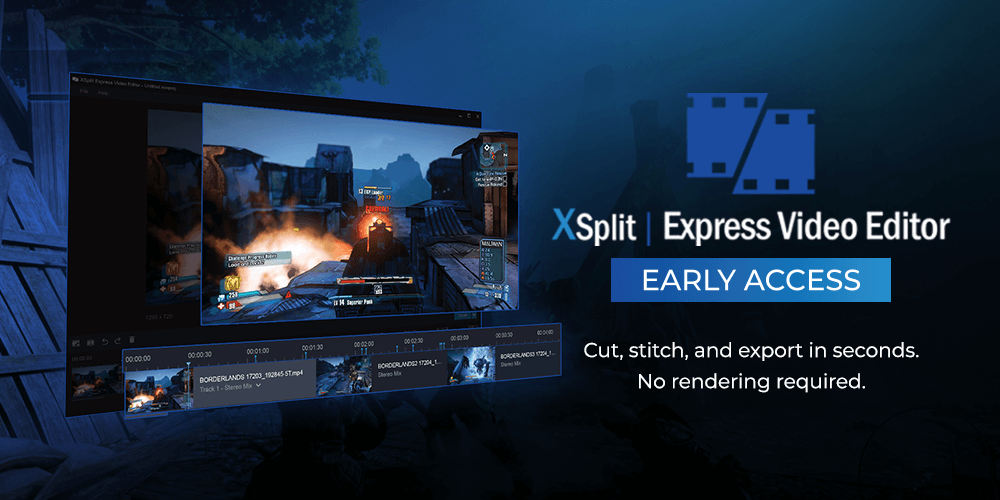
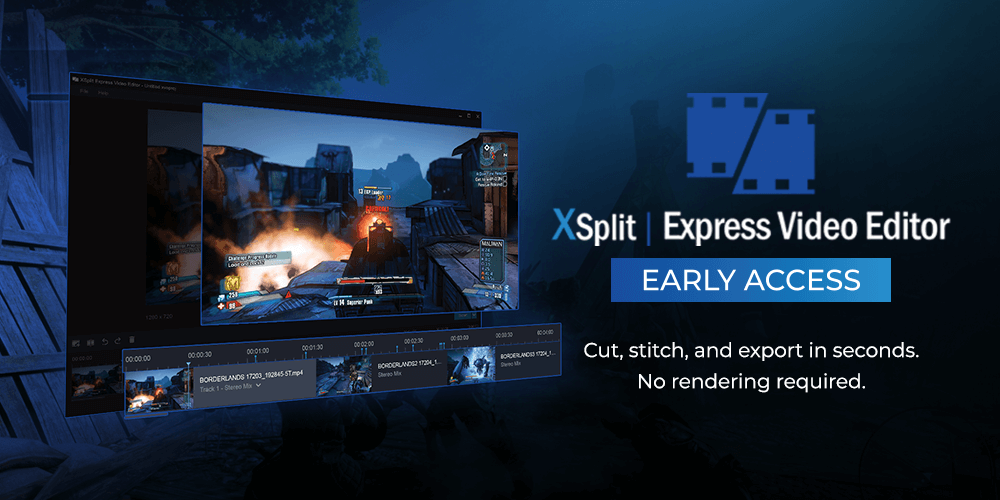
The new XSplit Express Video Editor is a sign of things to come and a glimpse of the direction we’re moving. It’s a completely free application that allows you to cut and snip video clips you’ve created and export edits within seconds. Its primary objective is speed. The methods in how we do it is quite simple, we’re not rendering. This means you can edit a 4K resolution file and save it out within seconds and without straining your PC’s resources. In case you missed the initial announcement, here’s a quick video about the newest member of the XSplit family.

The original video editor itself has lived as a tool inside of XSplit Broadcaster and Gamecaster since way back in 2014. For the people that managed to find it, the feedback was overwhelmingly positive but the issue was discoverability. The feature was hidden away in a menu with no real indication as to what it does. We saw an opportunity to make it available for free to everyone as its own product which would allow us to do two things; give access to a streamlined video editor to more than just Broadcaster or Gamecaster users such as the OBS Project and put more focus in to the product, providing regular updates and improving usability and features.

Things to come for XSplit Express Video Editor

As you probably already noticed, the application’s initial feature set is identical to the existing video editor inside Broadcaster but with a new lick of paint. However, we’ve been planning out the next steps for the editor that will make it even more awesome and provide functionality that will allow you to produce professional-looking video content quickly.

We will be adding additional audio tracks in the near future as we feel it’s a fundamental feature needed for pretty much anyone creating videos. This will allow you to add music or sound effects to your project with an additional audio track for things like voice-overs. Transitions are another item that’s fairly critical to video editing. Right now the only transition is cut, we plan to add the ability to mix things up by providing extra transition types.

Finally, in terms of our more immediate planned features, we have the larger item of a title editor. Using our experience of building out scene editors and overlay editors, the title editor will be fully featured with a focus on being easy to use but powerful.

That’s just what we can mention now, we’re continually planning out more for the video editor and are excited about where we can take it and how we can fill a void that other editors simply aren’t covering. With that being said, we like to think of the Express Video Editor as a community project and would love to get feedback from you that we can then take and then use to improve. We have a feature vote page where you can make suggestions but we plan on creating a dedicated page for our new video editor.

Do More with your Content with XSplit Video Editor

For nearly 10 years, XSplit has been an essential aid for content creators – whether for video game streaming, content broadcasting or just streaming in general. XSplit Broadcaster, Gamecaster, and the newly released VCam have all played an integral part in today’s streaming lifestyle.

This summer, we’re releasing another app that makes life easier while also allowing you to make the most out of your content. The team is excited to introduce the early access for XSplit Express Video Editor.

XSplit Express Video Editor

A well-loved but rarely utilized feature of both XSplit Broadcaster and Gamecaster, Express Video Editor is a good choice for faster and more efficient editing with a simplified and straightforward interface. Now with this standalone application, you’ll be able to reap the same advantages and some more!

  • Effortlessly cut and stitch clips together, no rendering required
  • Have an upload-ready video in seconds
  • Import recordings from any streaming software at a click of a button
  • Incredibly CPU efficient
  • Completely FREE, no need for a premium license

Gone are the days where you’ll need to use more complicated software to edit your gaming videos. With Express Video Editor, you can stream or record with ANY application of your choice, have it imported seamlessly, edited and/or trimmed, and exported for upload in a span of few minutes without the hassle of learning a complex video editing software.

Availability

XSplit Express Video Editor is on early access and is available at xsplit.com/video-editor. We’d love to hear your feedback so please let us know what you think through the comment section below, our social media channels or by hitting us up on our official Discord channel.

Let’s go and do some more content!

XSplit Broadcaster 3.8 Features

So far we’ve managed to keep up with our release schedule of a major release every two months with PTR releases in between. We’ve just released 3.8 into the wild where everyone now has access to the brand new in-game HUD amongst other features. The purpose of 3.8 was to bring something new to the table whilst also adding additional features that have been asked for. Oh and did I mention? Resize source hotkeys are back!

The in-game HUD allows you to both control XSplit Broadcaster from inside your game (similar to XSplit Gamecaster) but also allows you to manage your stream. You’re able to see chat and stream events whilst you play in the form of pinned widgets without the need for a second monitor. Widgets that you pin will only be visible to you and won’t be visible on your stream or recording when using Game Capture. That means you have complete freedom on how you position them without affecting viewer experience. We hope to expand on the HUD functionality overtime and provide even more functionality.

Whilst the HUD takes most of the limelight, we’ve added additional features such as the Scene source which allows you to add one scene to another. At first you might not necessarily see the point but if you think of a scene like a block that you can build and then add across as many scenes as you want, you create a really easy way to add repeatable elements to a scene and only have to edit it in one place. That’s not the only use case for this feature and I’ve seen many creative uses of it so give it a try and see how it can make your life easier or increase creativity.

Not sure what just happened? Replay Source allows you to play back what just happened on stream for a short period of time. We created the replay source to allow flexibility in how you use it. You can use it on an already existing scene as picture in picture and then use a hotkey to trigger it. Alternatively you can dedicate an entire scene to it and then have it automatically play when you switch to that scene. Once again, this is just the initial implementation and I think there’s a lot more we can do such as storing the replays to playback at a later point or even just saving them to disk in general.

Noise Suppression is another highly requested feature and is great for those who have microphones that have more background noise than they should. Right now it’s a very generic and aggressive implementation which means while it’s supposed to serve as a one size fits all, it might not get you the results you desire, more so for those with higher end microphones. With that being said, it’s a great way to clean up unwanted noise.

So, those are the bulk of the updates in 3.8 not including the vast amount of bug fixes and improvements. What about 3.9? Our focus for the next upcoming version is primarily on putting in the ground work to better improve our audio. This means actual decibel (dB) values that you can use to balance out your audio properly. We’ll be shipping a simple audio mixer extension that will allow you to monitor audio much more easily and make adjustments as you see fit. On top of that, we’ll also be adding some monitoring in to the audio settings themselves which means you can make sure the right device is selected before closing the settings.

For those that pride themselves on organisation, we’ll be implementing source grouping in to the mix. This means that on a given scene, you’ll be able to select multiple sources, group them and then move them together. On top of that, you can also rename groups and collapse them which means being able to have some separation of concerns. This is great for things like webcam with frames and some text. Now you’ll be able to place them in a group and move them together without needing to move each individual item one by one.

A brand new feature called Scene Presets will be making its way in to the next version too. By name it doesn’t mean too much but the general idea is that you can make variations of the same scene without needing to dedicate an entirely new scene to it. An example of this could be having the webcam in a different position, having chroma key on or off or using 3D transforms in one preset and not in another. However, the most powerful part of this is that you can set a transition time between these presets which means when you switch between them, we’ll automatically animate based on the properties changed. This means if you have the opacity of an item set to 0 on one preset and 100 on another, it will look like a fading effect when you switch presets with a transition time set.

We’ll also be making a bunch of under the hood changes that you might not necessarily notice immediately but will improve the experience as a whole when using our plugins for the various streaming services. We’re tying it all together so that if you’ve ever linked your Twitch account to XSplit, adding Twitch plugins will just work out of the box. We’re aiming to apply this philosophy across the board meaning minimal setup from your end and hopefully an easier experience.

So these are the main items on the board for the next major release but that isn’t to say they’re the only features we’re working on. There are tonnes of things in the pipeline that are being worked on by the team and we’ll be sure to let you know what they are when we’re ready. In the meantime, remember you can suggest and vote for ideas you like by using our feature vote page. On top of that you can get involved in the conversation by joining our discord server or follow us on Twitter.

XSplit VCam leaves Early Access

VCam Leaves Early Access
XSplit VCam has been in Early Access since November 16, 2018. While it has been received very well by streamers, the team has been working on it non-stop – iterating and improving an already amazing background removal and manipulation software.

Today, we are officially out of Early Access! XSplit VCam is now fully launched with VCam v. 1.0!

Download XSplit VCam now.

Here’s a quick list of the changes that are being implemented.

  • New and improved background removal AI, which cuts the already low CPU usage down by up to 50%.
  • Improved onboarding experience to make it easier for newcomers to start enjoying VCam.
  • Improved calibration to better recognize you from your background.

If you have any existing XSplit license, you have full access to XSplit VCam’s premium features automatically. XSplit VCam works on practically any software that can access your webcam, which means you can still VCam even if you’re an OBS user.

Now is the best time to get your XSplit VCam premium license. To celebrate VCam leaving early access, we are going back to early access launch prices until the end of the month! Until March 31, 2019, XSplit VCam is at 50% off at $24.95.

Get XSplit VCam at 50% off!

Why XSplit is sponsoring OBS

XSplit sponsors OBS

Recently, several companies have taken the open source OBS code, rebranded it, and built entire new venture-funded businesses, largely based on the technology created by Jim and the rest of the OBS team over the past 7 years as a true passion project. This makes it more important than ever to remember and appreciate the hard work that they’ve done and are still doing, to develop and maintain OBS, and how it has been a huge contributor, alongside XSplit, to empower a whole new generation of content creators, to turn their passions and entrepreneurial spirit into entire new careers that we couldn’t even have imagined a decade ago.

Back in 2010, when live streaming was still in its infancy, we launched XSplit Broadcaster in Open Beta. Those were the days before Twitch spun out of Justin.tv, and own3d.tv appeared as the first content platform dedicated to making live streaming of gameplay something more than a rare oddity. We were proud and humbled to be there from the very beginning – to be a part of forging a whole new industry out of dreams, passion and new technology.

Some time later, OBS came into being in 2012, born out of a shared passion for technology and the same dream of making game streaming more accessible for everyone. While we set out to make XSplit a business to continually and sustainably create and explore new innovation and technology, OBS was made by the community, for the community, as a free, non-profit and open source project driven by the brilliant Hugh “Jim” Bailey. The introduction of OBS to the market kept us on our toes, spurred innovation, and truly helped to even further accelerate the growth of the game streaming industry. Great competition drives innovation, making us all better and making the pie bigger.

Live streaming has truly exploded over the last few years, and the powerhouse of Twitch has been joined by major companies like Youtube, Facebook and Microsoft, to create platforms where millions of people gather every day to watch new and exciting live stream content. Yet to this day, most of the content creators broadcasting to these platforms still use XSplit or OBS technology in one form or another to create the content itself.

We at XSplit want to support the OBS project and the OBS contributors to be able to sustainably continue the hard work they do for the streamers and the industry, which is why we’ve committed to support the OBS Project as a Gold Sponsor through Open Collective.

Today, XSplit is no longer just a streaming application. XSplit VCam was our first big step into our endeavours to create more and broader content creation apps for the market, with more to come later this year. Our goal is to make everything we do inclusive and useful for XSplit and OBS users alike.

Let’s continue to keep each other on our toes, spur thoughts and innovation, grow the industry, create new technology and work together where we can, to help all the streamers, vloggers, producers, businesses and content creators out there in all shapes and forms, to create amazing content!

-Andreas Hoye, COO SplitmediaLabs

Intelligent and Real-Time Video Background Removal on Intel Graphics Technology Using XSplit VCam

SplitmediaLabs Limited, an innovative Hong Kong based software company that specializes in developing multimedia applications and technology has teamed up with Intel to produce a white paper on our newest innovative software: a real-time video background removal on Intel Graphics technology using XSplit VCam.

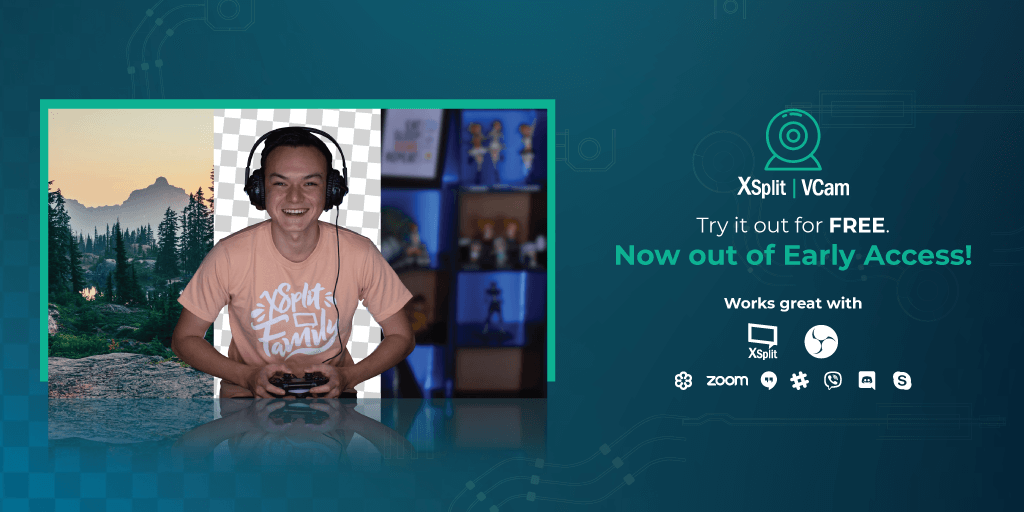
XSplit VCam is an application that allows you to blur and change your background without the need for a green screen. It was developed by the research and development division of SplitmediaLabs to bring advanced-quality video background removal solution to the game streaming market. The technology is built upon a deep learning AI framework coupled with a custom-built, high-performance inference engine.

XSplit VCam uses a convolutional neural network model to perform background removal processing in real-time. The neural network processing (inferencing) is a significant workload that requires millions of calculations for each processed frame. However, results show that by performing this workload entirely on an Intel iGPU, users looking to stream or record their gameplay can use XSplit VCam to improve the production quality of their stream with minimized FPS performance impact.

To further read the white paper in full, please visit Intel Developer Zone here.

XSplit Broadcaster 3.6 has Arrived

XSplit Broadcaster 3.6 is out of PTR! We’re excited to finally release this version to everyone. A big shout-out to those who helped test the PTR releases of this version.

The video below showcases the exciting new features in v3.6. As always, you can find the complete list in our release notes.

You can update to this version via downloading here or by going to Help >> Check for Updates on the application itself. We’re excited to hear your feedback about this version so please keep us posted in the comments section below or do a shout out to @xsplit on social media.