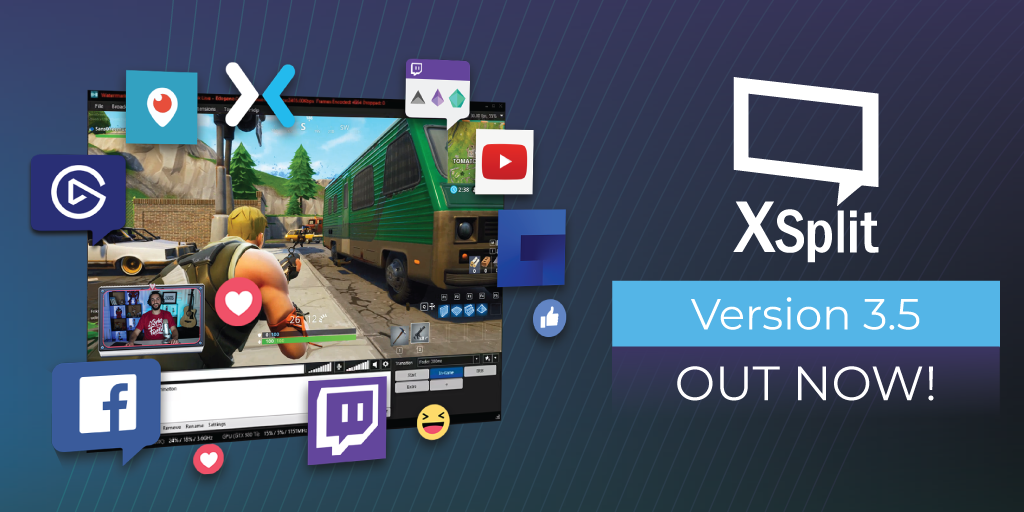
XSplit Broadcaster 3.5 is now available

In this version update, we put more focus on fixing bugs from the previous versions but we also made improvements and optimizations to features that already exist.

For more notable features, we have added the integration of Blackmagic SDK as well as adding Skype sources via NDI. Another area of emphasis was Facebook integration and making the streaming experience as fluid as possible for both established creators and newcomers alike.

Shout out to all the PTR folks who helped us get this out faster than expected. You know who you are!

For a complete list of all the things in this update, go to our release page here. You can update to this version via downloading from our website or by going to Help >> Check for Updates on the application.

Happy streaming!

Communities Unite As Evolve Merges With Player.me

SplitmediaLabs, the makers of industry-leading internet broadcast and live streaming software XSplit Gamecaster and XSplit Broadcaster, today announce the merger between Player.me, the recently launched platform for helping gamers create and share content around their gameplay, and community platform, Evolve. The merger aims to see Evolve’s 4.5 million users become a part of the Player.me community, combining their shared vision to unite gamers worldwide and help them share around the games they play.

Player.me recently launched the beta of their desktop app which aims to streamline content creation by giving players everything they need to create live streams and gameplay recordings for platforms like Twitch, YouTube, Facebook and Mixer. With today’s announcement Player.me will now also help players track their gameplay and transfer over their full game history from Evolve to Player.me seamlessly.

Evolve members moving over to the Player.me platform not only get to maintain their gameplay stats but they also get a ton of new functionality, such as:

  • Easy to use streaming & recording of their gameplay through their Studio;
  • The most powerful streaming and recording overlay system for gaming with hundreds of professionally designed templates;
  • A content management system with a built-in video editor;
  • A full social feed and chat system dedicated to gaming.

“In a lot of ways, we see Player.me as the spiritual successor to Evolve, and have been working closely with each other to make the transition as smooth as possible. Everyone is encouraged to migrate their accounts now to take full advantage of Player.me’s features and unlock a few extra goodies along the way. It should go without saying that we think that the wealth of features offered by the Player.me app will make for a welcome upgrade.”, said Adam Sellke, Co-Founder & CEO at Evolve Labs “We wish to thank all of you who have stuck with us through the years. We’re humbled by your loyalty and friendship. You are the reason we exist. Here’s to our continued evolution!”

Evolve will continue to function as normal before being retired on 13 December, 2018. After this date the Evolve community will live on through Player.me while Evolve Labs will continue to operate as a software product and licensing company, independent of Player.me. Players are encouraged to migrate their Evolve history over to Player.me before this time as all Evolve data will be removed on the 6th December. The official Evolve website will continue to run to allow players to find the new community home at Player.me.

About Evolve Labs

Launched in 2008 and based in Minneapolis, Minnesota, Evolve Labs is a maker of platforms and products that help gamers connect, coordinate and play the games they love with their friends online. The Evolve community currently boasts more than 4.5 million members who use the company’s flagship platform, EvolveHQ to make gaming more simple, more social, and more fun. For more information, visit www.evolvelabs.com

XSplit and Facebook Work Together To Help More Creators Livestream To Facebook

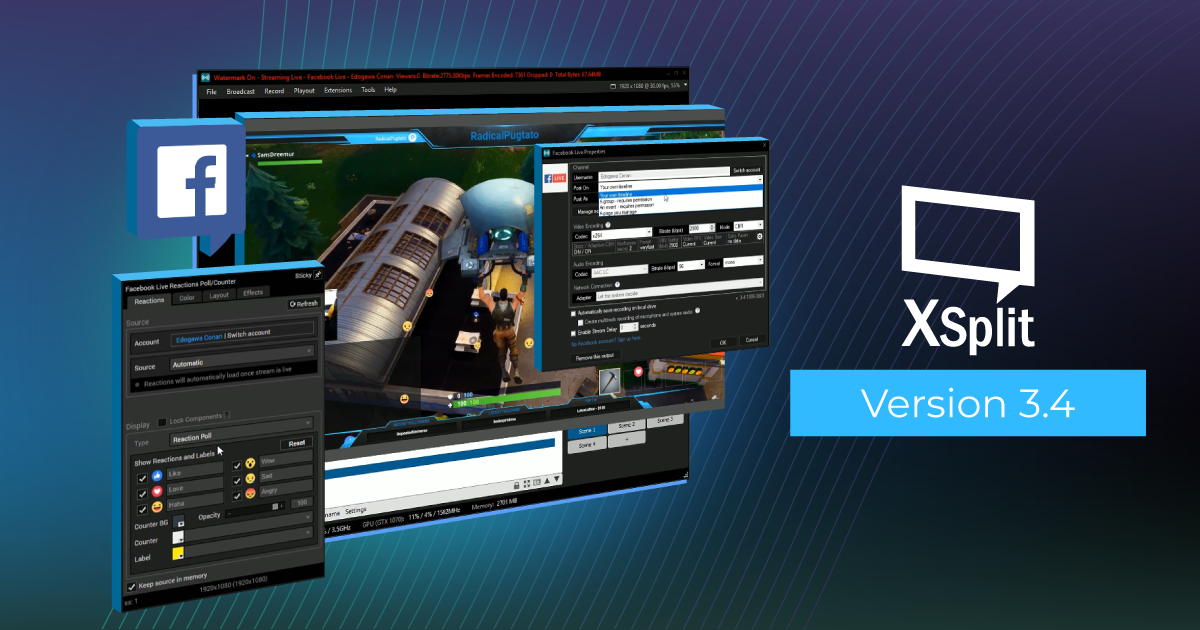
SplitmediaLabs, creators of XSplit and pioneers of live streaming and recording of video games, have teamed up with Facebook to improve the live streaming experience for creators around the world. XSplit Broadcaster 3.4 launches today and will be fully optimised for all the latest Facebook widgets including Facebook Live Reactions Animation to make live streams more interactive and to make it easier for gaming content creators to go live to Facebook.

XSplit Broadcaster is the world’s leading premium live streaming software used by millions of creators around the world for everything from individual creator streams to esports tournaments and through to live TV. Today, the team is delighted to reveal their latest platform collaboration with Facebook as XSplit 3.4 launches with a whole host of improvements and optimizations, making it even easier to login to XSplit via Facebook, set up your various widgets and go live. These improvements also extend to XSplit’s UI, improving navigation and bringing the most important and commonly used features to the forefront of the application.

“SplitmediaLabs has been working with Facebook since 2016 to develop a seamless integration between their platform and XSplit Broadcaster in order to offer the most robust streaming tools for the Facebook community and their creators.” said Henrik Levring, CEO of SplitmediaLabs. “This latest integration is just the start as we create an even faster and more powerful streaming experience for all creators.”

To download XSplit 3.4 for Facebook visit: xsplit.com/facebook

For a full breakdown of new features and improvements, see below:

Facebook Optimizations

Source widgets have been beefed up, starting with Facebook. The Facebook Live plugins have been improved to automatically connect to your live videos, eliminating the step of manually retrieving video ID’s after you’ve gone live.

If you’re signed in to XSplit using Facebook, all your Facebook widgets and outputs should now always be signed-in automatically as well. Stream directly through your feed or any of the pages you manage, and they will all be aggregated into fb.gg.

A new source widget, Facebook Live Reactions Animation, has also been made, and it’ll make your Facebook Live streams more interactive than ever as you can embed the stream of Reaction emojis that viewers send into your video.

Usability Improvements

The Output menu has been cleaned up on your top bar with the three basic Output functions occupying their own menu. You’ll see your streaming outputs under Broadcast, and Local Recording and Playout features like NDI occupying their own menus as well.

Additional visual cues were added to these menus so you can better tell at a glance what outputs are running under each category, as we know how precious each second is when you’re live.

Source List Box

Sources can now be only accessed from the source list box, and we’ve made it easier for users with multiple widgets for each service installed to find the right output as each service would have it’s own group in the source menu.
XSplit 3.4 UI Improvements and Facebook Support

XSplit Version 3.4

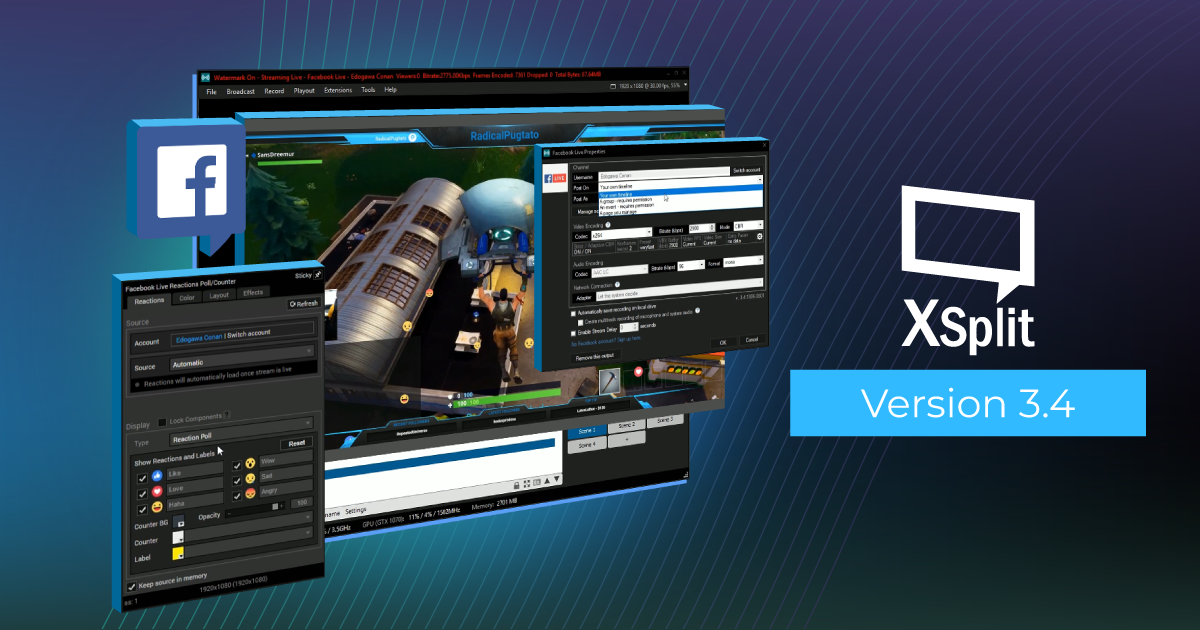
XSplit 3.4 is now live and available for download, featuring an improved overall experience that makes streaming easier than ever before.

In this release we have focused on UI and usability improvements, along with several improvements targeted at Facebook users.

We have also made a whole host of other improvements under the hood, paving the way for a better and more powerful streaming experience, including further improvements for Facebook, Twitch, Youtube and Mixer users planned with our future updates.

For a full breakdown of new features and improvements see below:

Usability Improvements

  • We’ve cleaned up the Output menu on your top bar with the three basic Output functions occupying their own menu. You’ll see your streaming outputs under Broadcast, and Local Recording and Playout features like NDI occupying their own menus as well.
  • Additional visual cues were added to these menus so you can better tell at a glance what outputs are running under each category, as we know how precious each second is when you’re live.

Source List Box

  • Sources can now be only accessed from the source list box, and we’ve made it easier for users with multiple widgets for each service installed to find the right output as each service would have it’s own group in the source menu.

Facebook Optimizations

  • Source widgets have been beefed up, starting with Facebook. The Facebook Live plugins have been improved to automatically connect to your live videos, eliminating the step of manually retrieving video ID’s after you’ve gone live.
  • If you’re signed in to XSplit using Facebook, all your Facebook widgets and outputs should now always be signed-in automatically as well. Stream directly through your feed or any of the Pages you manage. Streams can also appear on fb.gg, Facebook’s new gaming video destination for discovering gaming video content.
  • A new source widget, Facebook Live Reactions Animation, has also been made, and it’ll make your Facebook Live streams more interactive than ever as you can embed the stream of Reaction emojis that viewers send into your video.

For the full list of new features and bug fixes in this update, refer to the release notes for XSplit Broadcaster. We’re excited to hear your feedback and as always, happy streaming!

XSplit 3.3 – Macros, Multitrack Audio and more!

If XSplit 3.2 was the fastest XSplit ever, version 3.3 is more about flexibility, adding important new features and options to a streamers toolbox. This update for both XSplit Broadcaster and XSplit Gamecaster will pave the way for more exciting features and improvements down the line. Here’s a quick video summary about XSplit 3.3

A quick shout out to those who have been providing us feedback with our PTR releases. Your efforts help us ensure that our final releases are of the highest quality, and we couldn’t have done it without you.

The biggest feature of this release by far is Macros, which allows you to setup a variety of automated actions that can be triggered in variety of ways.There’s a lot that can be done with this feature and we have actually already demonstrated some in our Macros blog post. We highly suggest you to check this out in case you haven’t yet

Another highly requested feature is the ability to separate microphone and system audio in recordings which is also now possible in this version. This provides more flexibility for post processing your recordings using third-party applications. This feature is also available in XSplit Gamecaster along with some other nice additions such as Mixer chat, follower and subscriber alert, and Twitch Cheers support.

For the full list of new features and bug fixes in this update, refer to the release notes for XSplit Broadcaster and XSplit Gamecaster. We’re excited to hear your feedback and as always, happy streaming!

XSplit leaving Steam February 28

Hey there XSplit Family,

To all our XSplit Steam users, we just wanted to let you know that we will be removing the XSplit Steam page as well as its Premium license DLC. We are very pleased with the feedback and support received so far by the community however, we want to focus our efforts on our main site xsplit.com to ensure the best product and support possible. Thus, XSplit will be leaving Steam on the 28th of February.

What? But I already paid for XSplit on Steam!?

Fret not Premium subscription holders! Your monthly payments have been cancelled and for your troubles, you will receive a 12 month Premium license to make up for it. No love for the Free version users? We’ll send you folks a 3 Month license. Yes, we love you too.

I don’t even know my XSplit account info, is it my Steam login?

When logging in on xsplit.com, if you don’t know your account details, simply click “forgot password” to receive your info by mail.

Should you need any further assistance, please feel free to reach out to us on https://www.xsplit.com/support.

Last but not least, we really want to thank Devolver Digital for working with us on this project, it was a fun ride and look forward to our many future collaborations!

As always folks, we hope your streaming adventures keep going strong.

XSplit Broadcaster 3.2, the fastest XSplit ever

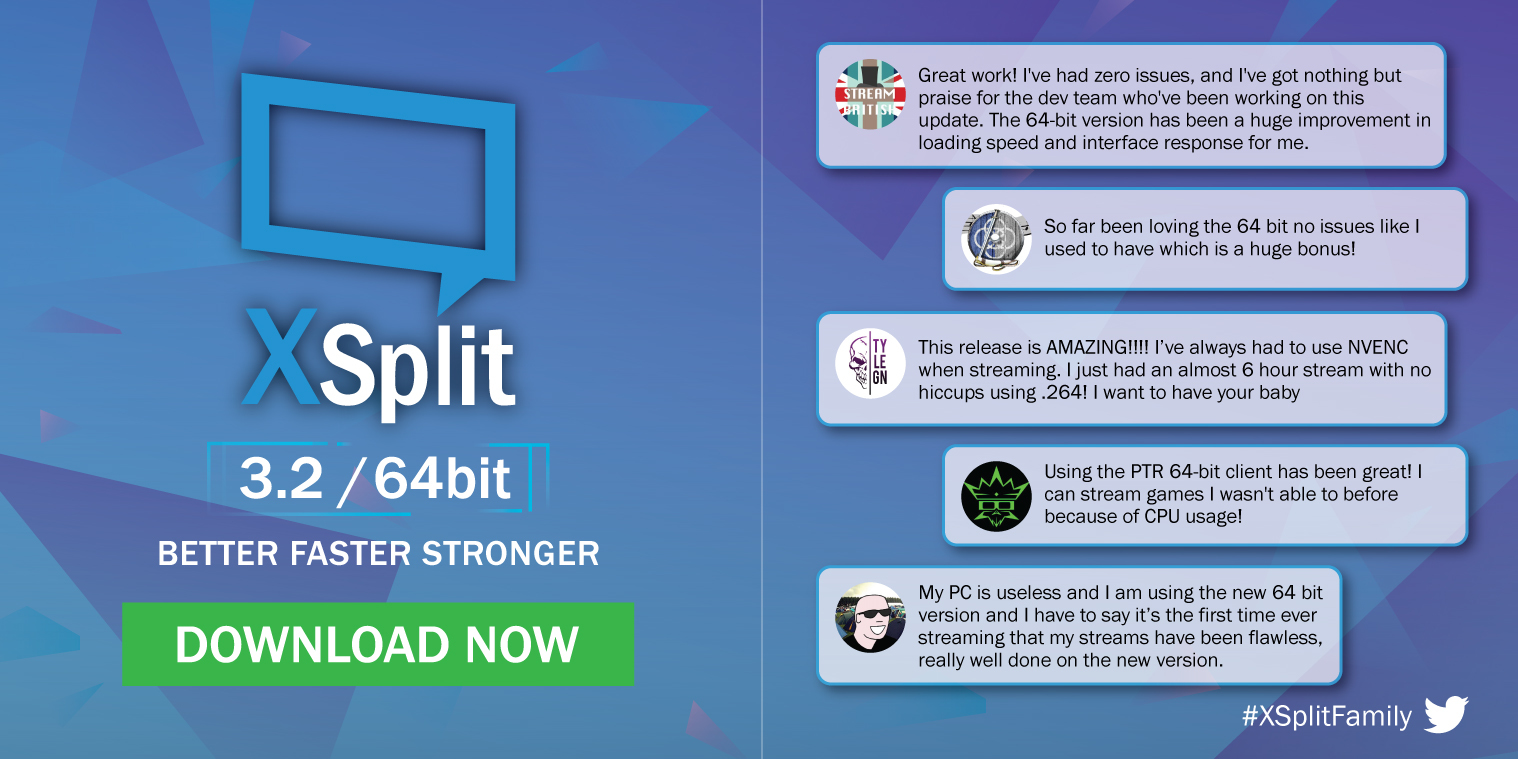
We’re super excited to introduce XSplit Broadcaster 3.2 which is the fastest XSplit ever. The move to 64-bit version greatly improves performance, makes it faster and more importantly allows for frequent updates and addition of more powerful features down the line. You can download it here.

For the complete list of improvements and bug fixes for this update, check out the release notes.

Shout out to everyone who actively provided feedback with the PTR releases for this 64-bit version! Make sure to update today and share us your feedback through the comments section below.

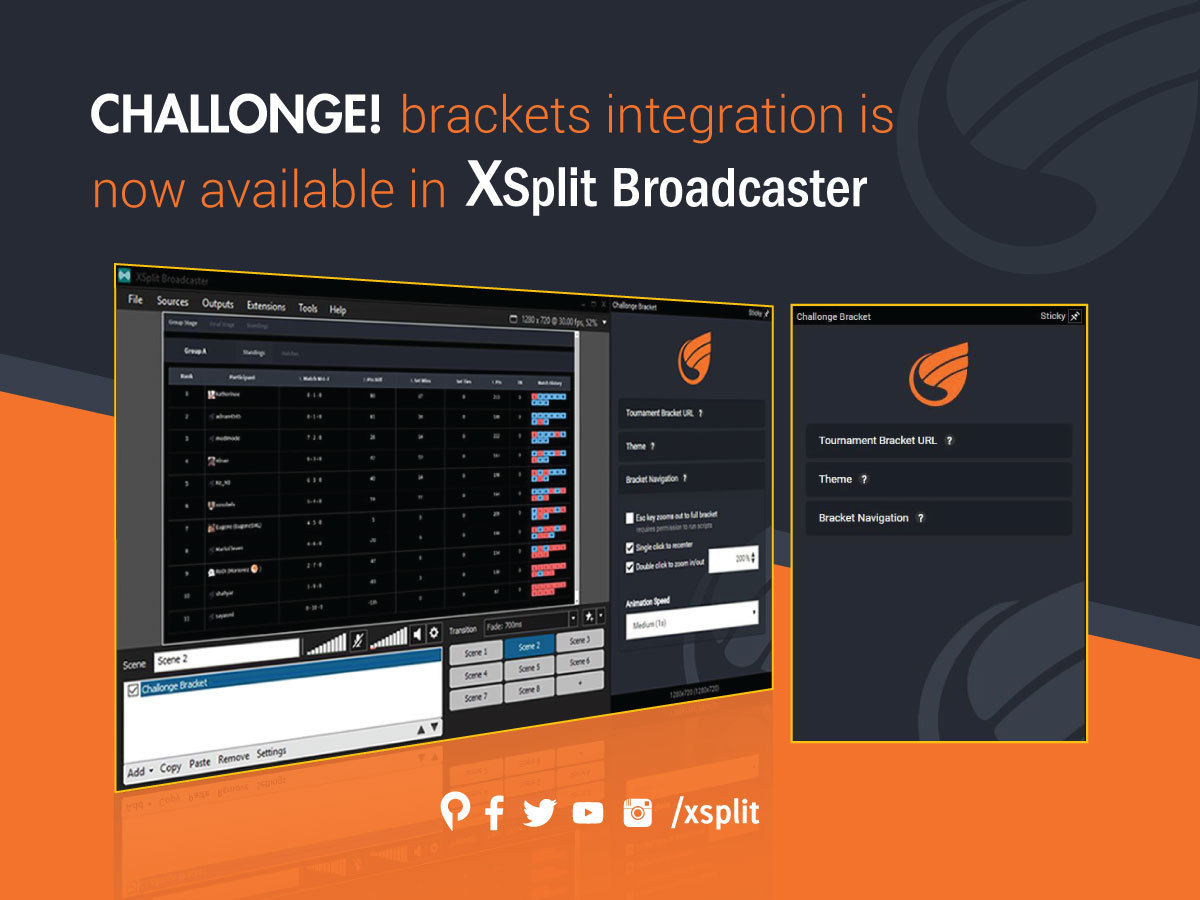
Challonge Integration with XSplit Broadcaster

If you’ve been catching up to our presence and support for the recent competitive gaming scenes including some of the major esports venues, many tournament organizers were thrilled to use the Challonge tournament bracket management services for the competitors at the venue and for stream viewers at home.

Challonge tournament bracket management Challonge integration

While the Challonge integration sounds awesome for the stream director to communicate with the tournament bracket organizers, their only current solutions were to either use the ‘screen capture’ feature or for more advanced users, to use the ‘webpage url’ feature within XSplit Broadcaster.

With the announcement of the recent XSplit 3.0 Public Test Release (more info here), we are trying to implement an actual Challonge bracket viewing plugin to be built into XSplit Broadcaster.

This will allow the stream directors to instantly focus and zoom into the current topic of involved players within the bracket while commentary personnel and their team can fluidly transition with natural conversations and transitions to prepare for the upcoming queue and schedule.

For those who’d like more vocal and visual insight for this upcoming plugin, our product manager and the stream tech guru of the global Fighting Games Community, Victor ‘Spooky’ Fontanez will guide you through the instructions on how they can be implemented for the modern esports and in any competitive atmosphere, which your deserving viewers will definitely appreciate.

Introducing XSplit PTR (Public Test Release)

We have created XSplit Broadcaster PTR in order to give daredevils access to new features and functions faster. We have many users who have expressed interest in getting access to a preview of upcoming software versions, but until now that has not been possible without overwriting the installed official stable software version.

XSplit Broadcaster Public Test Release

XSplit Broadcaster PTR uses a different installer than the official stable builds of XSplit Broadcaster in order to allow:

  • Side by side installation: installing/uninstalling XSplit Broadcaster PTR doesn’t change any files of the official XSplit Broadcaster installation
  • Different update versions: more frequent updates containing the latest features will be pushed to the XSplit Broadcaster PTR track, while XSplit Broadcaster application only stable updates

Aside from component isolation between XSplit Broadcaster PTR and XSplit Broadcaster application, plugins (broadcast, source, and extensions) are also isolated.

Presentation, broadcast channel settings, user settings continue to be shared between the stable installation and PTR. We will consider to make a complete isolation based on user feedback, but currently we feel it is important that users can quickly jump between the stable release installation and PTR.

If you have installed XSplit Broadcaster using the PTR installer, you will be forced to install new updates released on the PTR track, but you can still maintain an installation of the stable official XSplit Broadcaster release side by side (much how Chrome and Chrome Canary work).

Click here to visit the release website for XSplit Broadcaster PTR.

XSplit Version 2.9 is here

  • XSplit Version 2.9 Update 6Updated:  May 5, 2017

    We released a maintenance update for both XSplit Broadcaster and XSplit Gamecaster which mainly contains bug fix for issues on game compatibility brought by Windows 10 Creator Update. 

    For complete list of improvements and bug fixes, check out the release notes for XSplit Broadcaster and XSplit Gamecaster.

  • XSplit Version 2.9 Update 5Updated:  April 26, 2017

    This maintenance update fixes an issue that might prevent XSplit Broadcaster and XSplit Gamecaster from starting up if missing Visual C++ Redistributable Packages for Visual Studio 2013.

  • XSplit Version 2.9 Update 4Updated:  April 3, 2017

    In the latest XSplit Broadcaster 2.9.1701.1635 update we have incorporated a number of fixes and minor updates:

    General Fixes

    – Fixed an issue with XBC using more CPU when minimized

    – Fixed WMI error on opening the application on some systems

    – Fixed FormatException after load on some systems

    – Fixed Flash ActiveX detection on some x64 systems
    – Fixed unnecessary source refresh/flashes when default audio input device state changes

    – Fixed exception on setup after install of plugin while a recording or stream is active

    – Fixed authentication issues with Player.me

    – Fixed issues sharing screenshots to Player.me

    – Fixed Player.me game check-in field in the share dialog

    Express Video Editor

    – Fixed video files only showing up as audio track on Sony Vegas 12

    – Fixed crashes with low bitrate videos and when combining certain types of videos

    Streaming services

    – Beam: Fixed to allow only CBR mode and limit bitrate to 9000 kbps

    – Dailymotion: Fixed Ingest server not appearing in the list unless channel is saved and setup wizard not proceeding if started from the channel props
    -Facebook Live:Fixed “Unsupported get request” from Graph API call – check if auth is present before trying to stream

    – Hitbox: Exception warning appears on setup after install of plugin while a recording or stream is active.

    – Periscope: Fixed Custom RTMP to be compatible with Periscope.

    – AbleGamers: Added alerts plugin

    For complete list of improvements and bug fixes, check out the release notes for XSplit Broadcaster and XSplit Gamecaster.

  • XSplit Version 2.9 Update 3Updated:  February 22, 2017

    This maintenance update fixes potential crash issue that might affect XSplit Broadcaster’s camera and video sources and XSplit Gamecaster’s console viewer.

  • XSplit Version 2.9 Update 2Updated:  February 17, 2017

    This update features XSplit Broadcaster’s Beam.pro FTL streaming support and important security fixes for both XSplit applications.

    Missing FTL features

    Stream recording

    The option to save your live stream locally is disabled. You will still be able to record locally while streaming, but you will need to manually start a local recording which requires an extra encode.  

    Adaptive bitrate

    The experimental adaptive bitrate settings still show, but the function is not yet implemented for FTL.

    For complete list of improvements and bug fixes, check out the release notes for XSplit Broadcaster and XSplit Gamecaster

  • XSplit Version 2.9 Update 1Updated:  January 30, 2017

    This maintenance update fixes possible crash issue with XSplit Broadcaster when using NDI source and possible freeze issue for both XSplit applications.

    For complete list of improvements and bug fixes, check out the release notes for XSplit Broadcaster and XSplit Gamecaster

  • XSplit Version 2.9 ReleasePosted: December 1 2016

    Our XSplit 2.8 release was well-received thanks to some kickass new features like unlimited scene support, global sources, new plugin store and a refreshed user interface among many other things. With XSplit 2.9, we worked on adding even more features as well as making improvements on the existing ones based on all the feedback you gave us.

    We want to announce this version release a little different and instead of going through each of the new features in text as we normally do in the past, we had our product manager, Victor Fontanez aka Spooky go through each of them in a video so you can see them all in action. 

See our version update policy for more details.