XSplit leaving Steam February 28

Hey there XSplit Family,

To all our XSplit Steam users, we just wanted to let you know that we will be removing the XSplit Steam page as well as its Premium license DLC. We are very pleased with the feedback and support received so far by the community however, we want to focus our efforts on our main site xsplit.com to ensure the best product and support possible. Thus, XSplit will be leaving Steam on the 28th of February.

What? But I already paid for XSplit on Steam!?

Fret not Premium subscription holders! Your monthly payments have been cancelled and for your troubles, you will receive a 12 month Premium license to make up for it. No love for the Free version users? We’ll send you folks a 3 Month license. Yes, we love you too.

I don’t even know my XSplit account info, is it my Steam login?

When logging in on xsplit.com, if you don’t know your account details, simply click “forgot password” to receive your info by mail.

Should you need any further assistance, please feel free to reach out to us on https://www.xsplit.com/support.

Last but not least, we really want to thank Devolver Digital for working with us on this project, it was a fun ride and look forward to our many future collaborations!

As always folks, we hope your streaming adventures keep going strong.
Getting Started: What You Need To Get Streaming

This is Part 1 of an on-going and constantly updating series looking at what you need to start and stay streaming.

Getting Started - What You Need To Get Streaming

Streaming has become easier than ever with technology and streaming software being simpler and more accessible, if we do say so ourselves. There are some key things you will want to get going and right here in part one of our how to stream series we’re going to cover tech.

You can go ham with tech, spend thousands, surround yourself with monitors, cameras and microphones and have a broadcast set up stronger than some large film productions. You can, but do you need to? Not really.

First things you will need is a solid internet connection (we would say around a 5 MB/S upload speed) and a PC that can handle streaming (check our streaming software minimum/recommended system requirements for XSplit Broadcaster and XSplit Gamecaster.

Next, you will want some streaming software and, well, we’re pretty fond of XSplit Broadcaster and Gamecaster. We will go over what’s different and why you may want one over the other in a future blog but here are the basics; Gamecaster is the simplest way to get started with all the features you need. Broadcaster powers some of the biggest streams you see online and is full of more pro features.

Second, you’ll want a webcam. These days you can get a very solid USB webcam that can capture in 1080p and even have a solid microphone built in for an affordable price. Plug and play, recognised by our software and ready to go. Check out our list of hardware partners for some recommendations.

That can be all you need, people will see you, hear you and be able to see a video game you’re playing on your PC. if you want to broadcast a console you’ll want a capture card. Again, these are more affordable and high tech than ever with very simple set up processes. We’d recommend something external with USB 3.0 (this puts the gameplay you’re capturing on your screen with almost zero latency). Again, you can check out our hardware partners linked above for some recommendations.

From this base, you’re good to go! You can get online, broadcast gameplay, creative, talk shows or whatever you like!

Stay tuned for more tips on how to make your stream even better.

Celebrate Christmas with XSplit

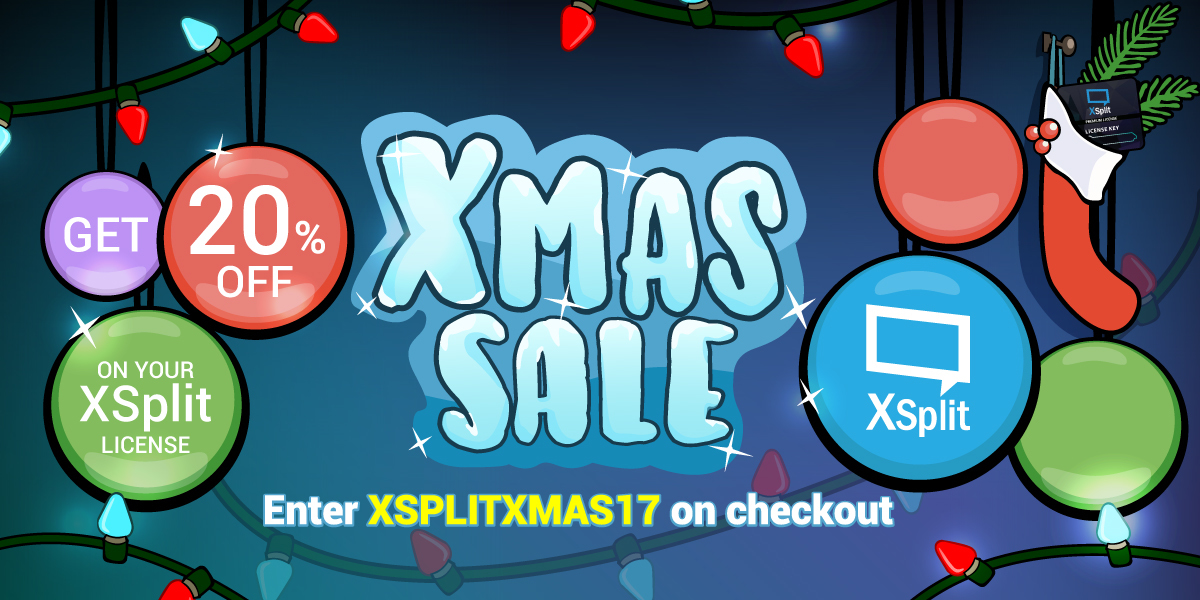
This is the time of year when we all feel grateful for something or someone, and to us here at XSplit, that someone is you guys! So here’s a small thank you for being a part of our wonderful community. Open your present here:

XMas Sale

You can click the image above or enter “XSplitXmas17” on checkout to avail the discount. This offer starts at the time of this writing until December 31 2017. No better time than the holidays to treat yourself. As always, this offer is available to anyone, so share the joy of Christmas and tell your friends.

XSplit Holiday Streamfest

Some of our friends in the XSplit Family feel extra Christmassy and want to spread the joy of the Holiday season with you! If you don’t fancy venturing into the winter cold outside, come and chill with them on their stream, something tells us they’re in a gifting mood. Here’s the list:

12/12 2AM PST – LtZonda
12/13 2AM PST – Tidy
12/13 3PM PST – XSplit Weekly
12/13 6PM PST – TeamSpooky
12/13 6PM PST – Highgai
12/14 4AM PST – JoshBaked
12/14 12PM PST – SuperMCGamer
12/21 12PM PST – KamikazeKitten
12/21 TBD – RikuPH
12/21 3PM PST – Bifuteki
12/22 5PM PST – BowskiJ
12/23 5AM PST – ApexWinter

But, most importantly, remember to enjoy the holidays with close ones!

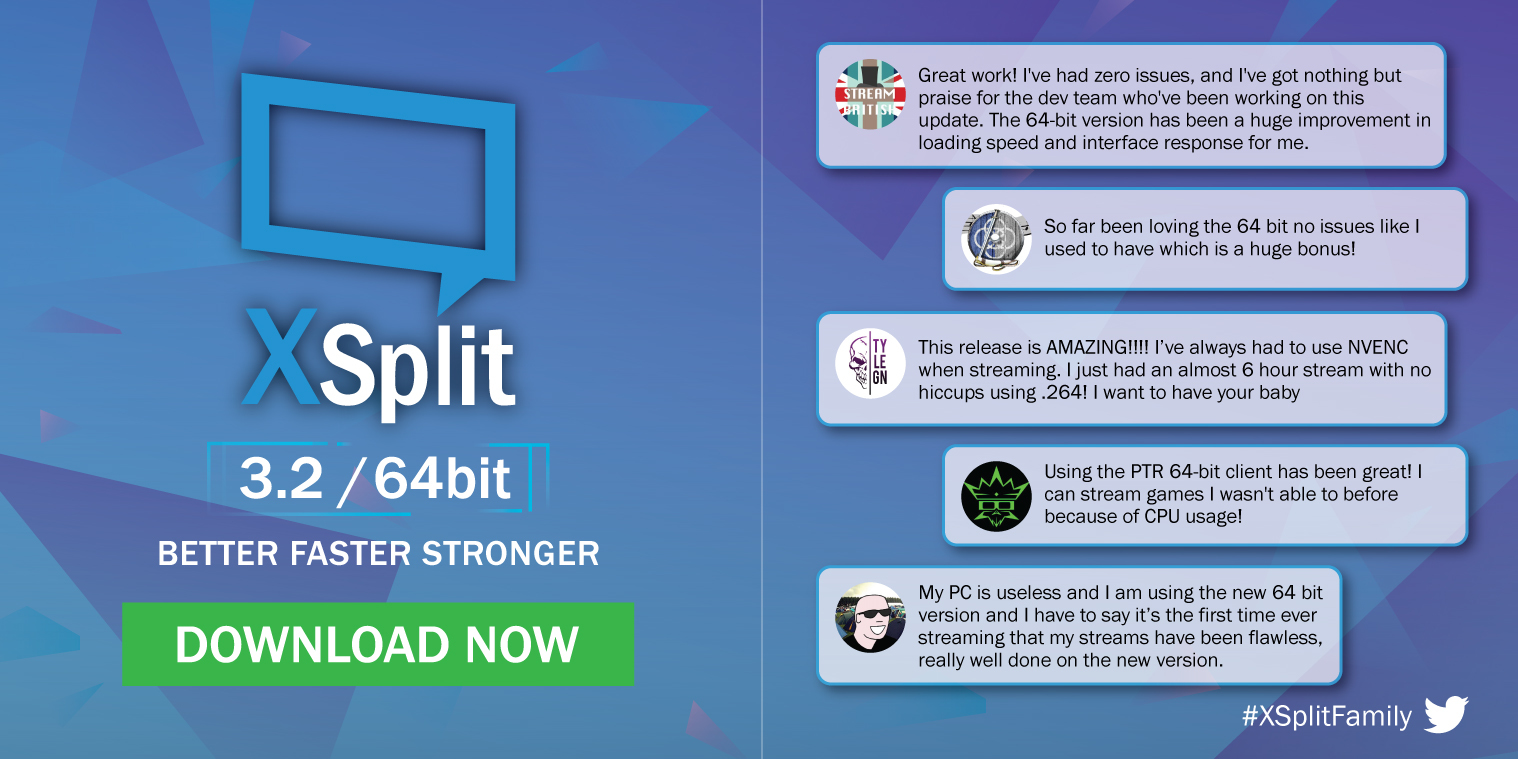
XSplit Broadcaster 3.2, the fastest XSplit ever

We’re super excited to introduce XSplit Broadcaster 3.2 which is the fastest XSplit ever. The move to 64-bit version greatly improves performance, makes it faster and more importantly allows for frequent updates and addition of more powerful features down the line. You can download it here.

For the complete list of improvements and bug fixes for this update, check out the release notes.

Shout out to everyone who actively provided feedback with the PTR releases for this 64-bit version! Make sure to update today and share us your feedback through the comments section below.

XSplit Teams Up with Devolver Digital

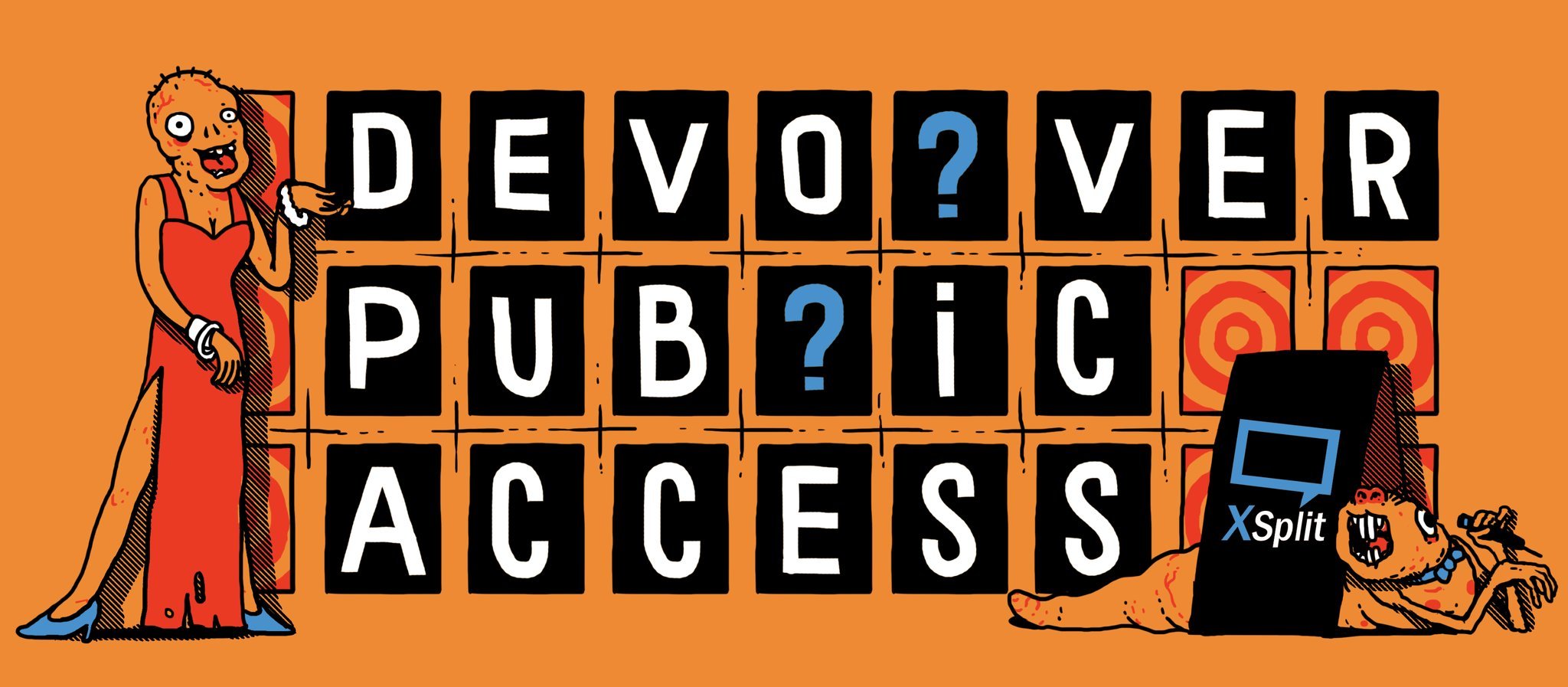
XSplit and Devolver Digital have teamed up with Twitch’s best creators to create a 100% legitimate and DEFINITELY REAL game show, along with sneak peeks at the latest Devolver games and featuring content creators such as Totalbiscuit, ManVsGame, Ezekiel III, ZombiUnicorn and more.

Devolver Public Access

The XSplit and Player.me team will also be exhibiting in the Streamer Workshop (Booth 6A & 6B), so definitely make sure to check in with them to answer any burning questions or to just come and hang out.

Additionally we will also be running a couple of live panels on the education stage:

Saturday 21st October
“XSplit presents StreamerFAQs: IRL Edition” 3:30pm – 4:00pm (PST)

Sunday 22nd October
“Player.me – the future of content creation”  – 3:30m – 4:00pm (PST)

Giveaways!

It shouldn’t be new to you by now that we love doing giveaways during these events. Expect another massive giveaway from us during the event period. No, you don’t need to be physically present at the event but you surely need to be following @xsplit wherever you can!

See you there!

Elgato Stream Deck support is now in XSplit PTR

Elgato Stream Deck and XSplit

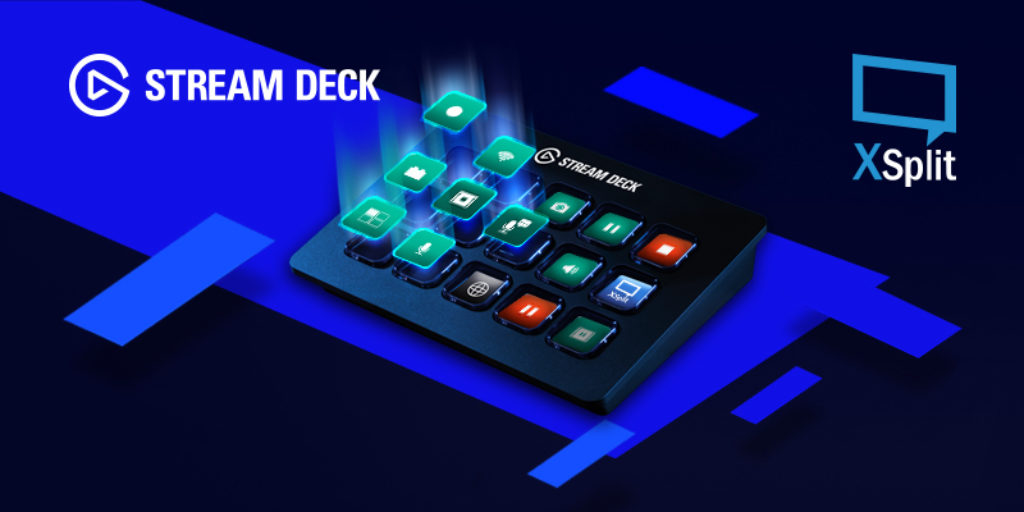
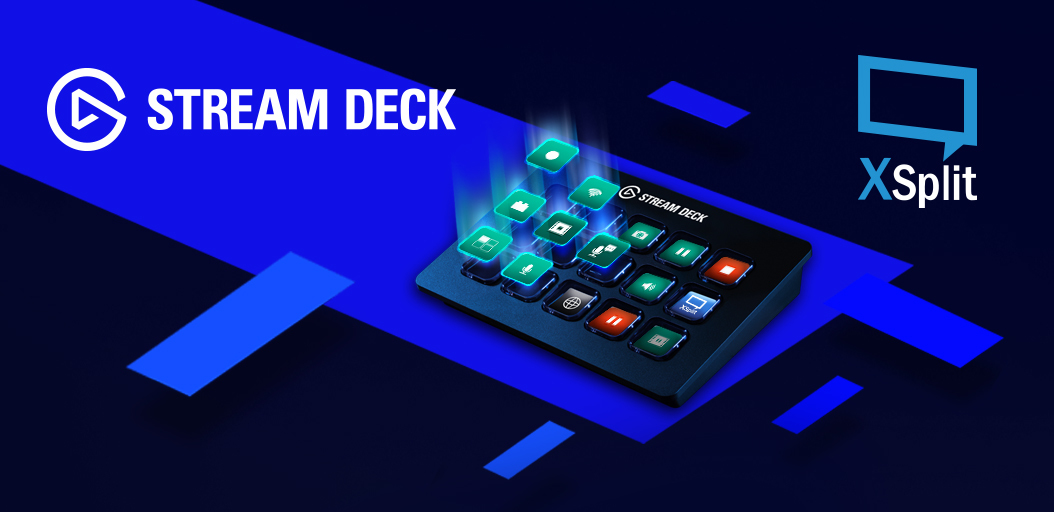
We’re extremely thrilled to announce that Elgato Stream Deck is now fully supported in the latest release of XSplit PTR. We know a lot of you have been waiting for this, and you can now try it for yourselves.

Using the Elgato Stream Deck with XSplit Broadcaster can simplify even the most complicated of workflows, allowing creators to easily switch scenes, launch media, send tweets, control chat, and configure up to 210 actions using a simple 15 LCD key setup with visual and haptic feedback.

Both the XSplit and Elgato dev teams have been working tirelessly over the past few months to ensure that they can provide the best experience possible with XSplit Broadcaster and the Elgato Stream Deck. While this is still considered a Public Test Release, we are certain you will be pleased with some of the cool new features we have added, and believe it has definitely been worth the wait.

Introducing our newest show, Behind the Stream

We’re excited to announce a new show aimed at teaching the basics of live streaming and the in-and-out of what goes in a production setup. Introducing, Behind the Stream.

Louis ‘offcast’ Vigil and Armando Gonzales who have countless experience in doing production for us for big events that we’re exhibiting such as PAX events, EVO, etc.will be hosting this show. A wide array of topics will be discussed from what equipment to use, to how to set things up and begin going live and more!

Make sure to tune in every second Thursday at 12pm EST as there will be cool prizes to be given away. It will be streamed on our Twitch, Mixer, YouTube, Twitter and Facebook channels so there’s no reason to miss it!

NewTek Connect Spark™ Capture Video Content Easier

Last year we announced a brand new partnership with NewTek, creators of Tricaster and global leaders in IP Video Technology. Today we are pleased to announce the next phase in our partnership.

Earlier this week NewTek announced the NewTek Connect Spark™, a portable device designed to deliver SDI or HDMI video to a computer and/or an IP network. It’s pretty awesome, and our developers have production team have been playing with this new functionality for the past few weeks. We’re really pleased with what we have achieved so far, and encourage anyone interested in levelling up their broadcast to take a look at our educational hub over at xsplit.com/ndi to learn more.

You can also take a look at some of the cool ways you can utilize the NewTek Connect Spark™ for your game streams or tournaments with our program manager Victor ‘TeamSp00ky’ Fontanez in two brand new videos.

Whether you’re a casual gamer wanting a more simplified way to share your gameplay, or a producer whose focus is more on wider-scale productions and events, the new Connect Spark will be able to help you streamline your flow.

For more details on the Newtek Connect Spark, head on to our page at xsplit.com/ndi.

XSplit powers EVO 2017 Championship

Hello everyone! Your favorite world warrior Kevin “BurnoutFighter” Kim here, announcing our partnership with another one of the greatest esports events of the year!

It’s the Summer (Winter for some), mid-year and the time of hype and glory. Yes, it is once again time for Evolution Fighting Game Championship 2017, happening at Las Vegas, NV, USA. Throughout the weekend of July 14th to 16th at the Mandalay Bay, fierce competition of all fighting game titles and talents will be battling through to escape their pools and breakout their combos and hypers to the final boss stage of the glorious Mandalay Bay arena.

Just like last year, the XSplit team is going to be sponsoring and powering the production staff of EVO with the help of the stream wizard himself, Yu Sheng “Farpenoodle” Tan and our product manager Victor “Spooky” Fontanez.

For all the details regarding the tournament and the event, you can check out evo.shoryuken.com

In celebration of Evo, you can use the discount code “EVO2017” on our buy page for a 20% discount off any purchase. I will be there as a competitor myself and try to bring you all the hype and stories so make sure to follow us on our socials.

XSplit Enter EVO 2017 Get 20% off on your XSplit purchase

Shameless promotion: (If you get to see me on any of the streamed matches, be sure to cheer for @BurnoutFighter on social media!)

We at XSplit sincerely wish all the competitors from around the world to perform at their best as we will make sure to deliver your efforts, performance and emotions to the viewers at home, cheering for their favorite players.

Our love and support will be always grateful towards the Fighting Game Community and we hope to achieve a respectful and heart-ful spot of being the broadcast supporter and partner of the global FGC of passionate individuals and organizations. Major shoutouts to the EVO and the Shoryuken team.

Plus, if you’d like to reach out for any tips and advice for FGC-event productions, make sure to let us know as we’re always interested to share ideas and tools for XSplit products to be more esports and tournament friendly.

Windows Tracking in Screen Capture

This is Victor ‘Spooky’ Fontanez, and here in this blog post I’m going to tell you about an improvement that is in the Public Test Release and most recently in version 3.0.

In version 2.9 and previous versions, screen capture is quite good at capturing most applications. However with the default setting of ‘stick to title’ disabled, there were some instances where XSplit could lose track of the application you were capturing. Typically this would happen when the Window’s Title changes for any reason.

Example 1
Application ‘Final Burn Alpha’

After screen capturing the main window, you have to screen capture again for each game you load, as each time the window title changes to match the game name.

In version 3.0, we track the process more closely, so screen capture will know the window title has changed and follow along with it.

Example 2
Application ‘Final Burn Alpha’

After screen capturing the main window, you load a game.

Screen capture automatically follows the application’s new title window and continues to screen capture.

I do want to mention that you may see some unexpected behavior if you have multiple windows of the same application running.

Example 3
I have 4 untitled:notepad documents running.

If I screen capture one and close it, the application will find the next one on the process list and screen capture it.

However we think this way of tracking windows overall will improve screen capture for you in most applications. Give it a try if you have had problems with Screen Capture tracking your applications in the past and let us know what you think.